Gallery
apps/gallery
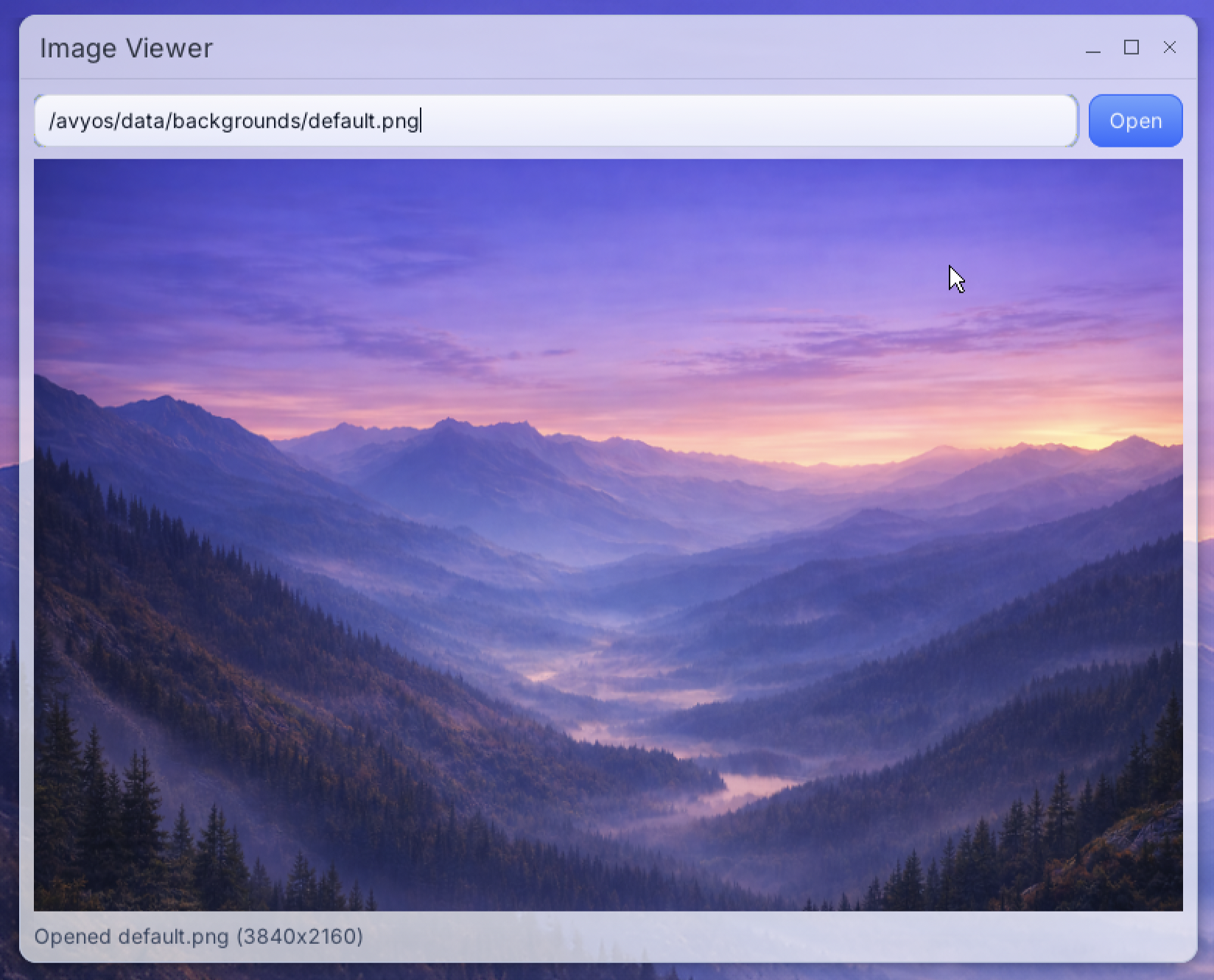
Image Viewer opens and previews image files.
Preview
Description
Image Viewer opens and previews image files.
How to use:
- Start the app and enter an image path, or open a file directly into it.
- Press Open to load the selected image.
- Check the status text for image size or open errors.
It supports common formats such as PNG, JPEG, GIF, BMP, WEBP, SVG, and TIFF.