Terminal
apps/terminal
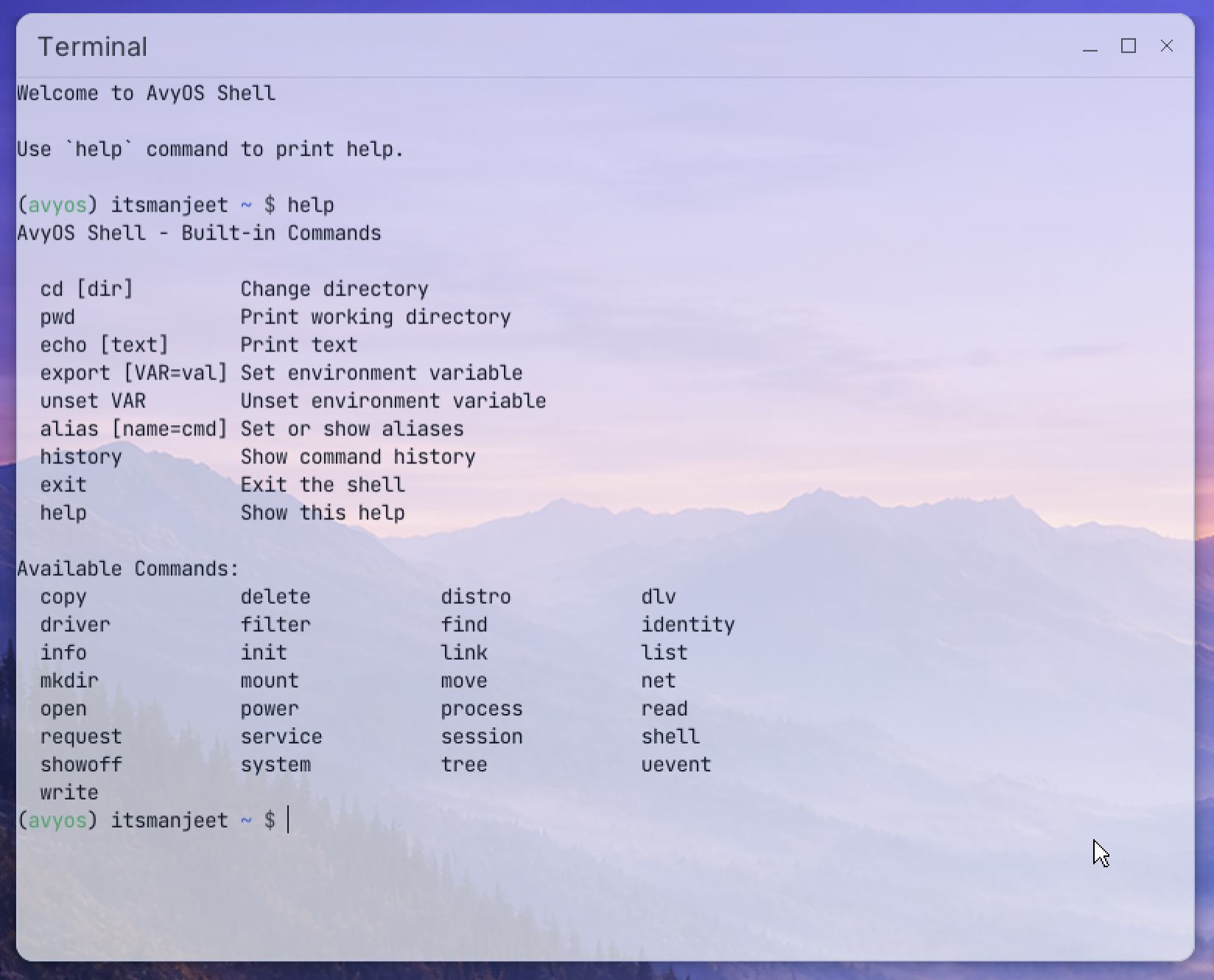
Terminal lets you run command-line tools and scripts.
Preview
Description
Terminal lets you run command-line tools and scripts.
How to use:
- Type a command and press Enter to run it.
- Use Ctrl+C to stop a running command.
- Use Ctrl+D to end the current shell session.
If the shell exits, you can restart the session from inside the app.